Design context
Keep wireframe, design, development and launch milestones understandable to the client.
For web designers
Present design milestones, explicitly shared files and final handoff through one client-facing project. Collect sign-off on the exact version that will move into development or launch.
What changes
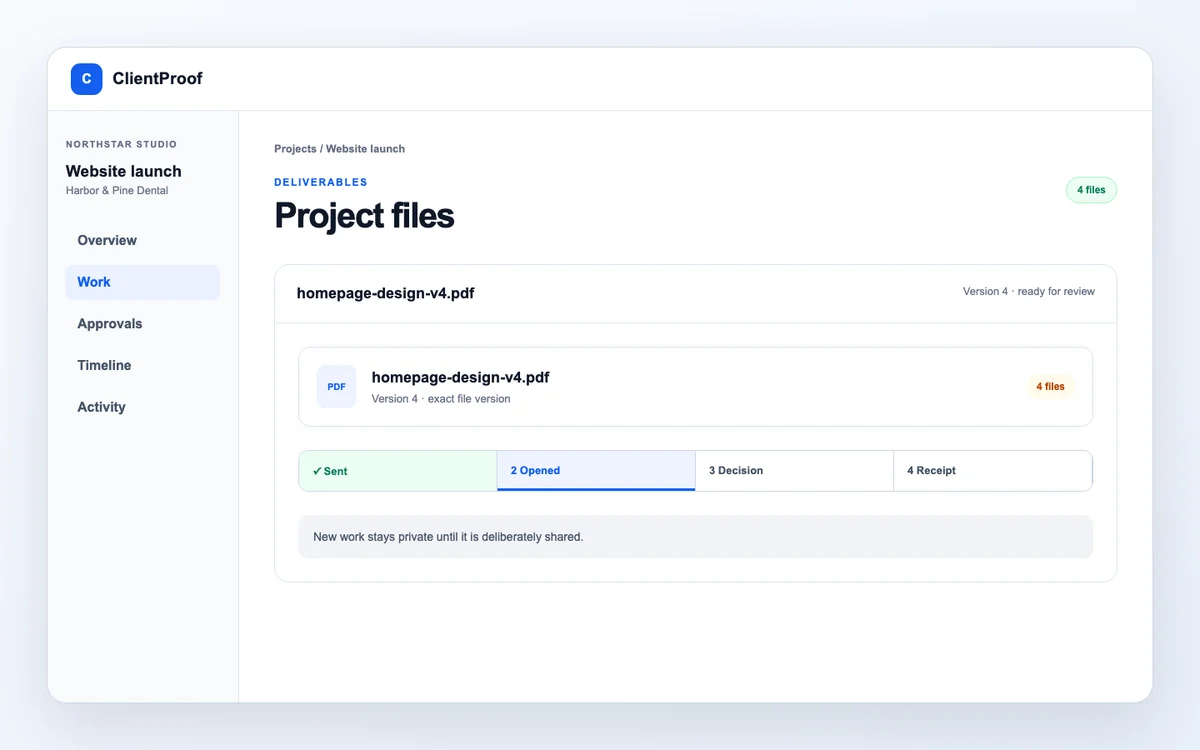
ClientProof keeps the public project context, private review action, and retained decision record distinct—so clients know what to read and what to do.
Keep wireframe, design, development and launch milestones understandable to the client.
Request a decision on one stored design or document version.
Retain the approval record alongside the project history and final shared files.
Web design workflow
The project page explains progress; private review links capture the decisions that move delivery forward.
Create the content, design, development and launch stages.
Upload the intended version as a private project file.
Assign one decision owner and send the exact-version review link.
Retain the receipt and share the final delivery context.
Delivery stack
ClientProof can sit beside Figma, Google Drive, your CMS and your internal PM tool.
| Need | ClientProof | Design/source tool | |
|---|---|---|---|
| Create and edit design | Not the primary job | Core job | Not suitable |
| Show client project status | Milestones and updates | Usually limited | Repeated summaries |
| Exact-version client approval | Private verified decision | Varies by product | Reply can be ambiguous |
| Final delivery record | Project plus receipt | Source history | Thread archive |
Web design use cases
Use ClientProof for the external journey while keeping design and implementation work in specialist tools.
Request approval on the exact design package intended for development.
Best for: Freelance designers and small web studios
Use client inputs and project context to keep requested material connected to the project.
Import the selected final file as a frozen project copy or retain a live reference.
See the Drive integrationKeep final shared files, updates and the recorded decision available in one project history.
See the approval evidenceBuyer questions
These answers describe the product as it works today. They do not assume features that are not in the current ClientProof code.
No. Use Figma or another design tool to create and iterate. Use ClientProof for client-facing project context, selected file delivery and exact-version decisions.
Yes. The assigned reviewer opens the private review link without a ClientProof account and confirms the formal decision with a code sent to their email.
No. Clients can open the shared project page and private review links without creating a ClientProof account. A formal decision is confirmed by a code sent to the assigned reviewer email.
No. It is operational approval evidence: the exact file version, assigned reviewer, decision, timestamp, verification method and receipt reference. It is not presented as a digital signature or contract.
Start with one real project
Start with one active project free and test status, file delivery, exact-version approval and handoff.