 ClientProof
Decision path
Choose ClientProof if...
- You want clients to see updates, files, and approvals in one link.
- You need faster signoffs with less recap messaging.
- You care about professional delivery visibility without login friction.
ClientProof improves professional file delivery by combining project files with status context, milestone history, and approval requests — all accessible through one no-login client link. Stop sending uncontextualized file attachments and stop fielding 'can you resend that?' requests.
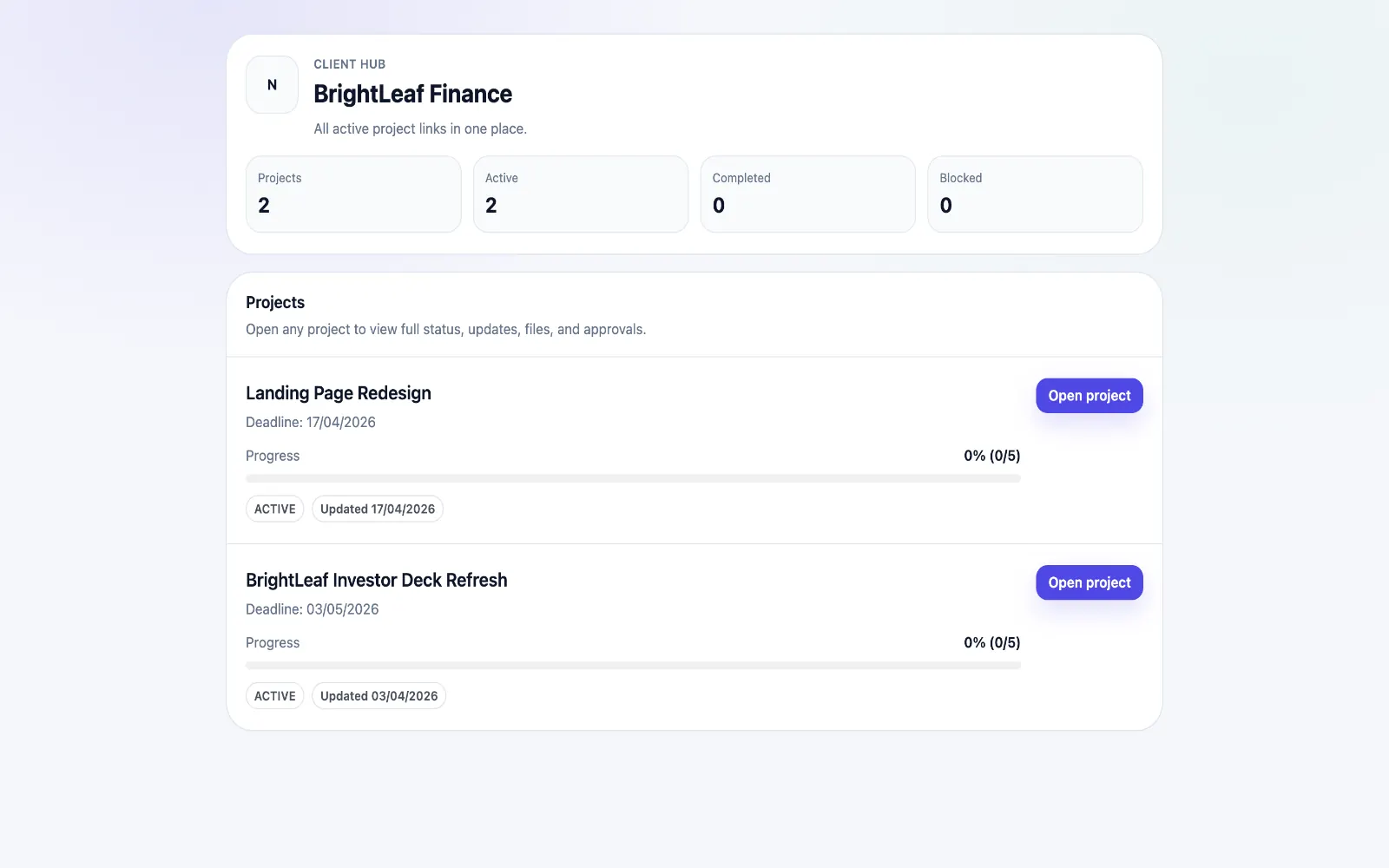
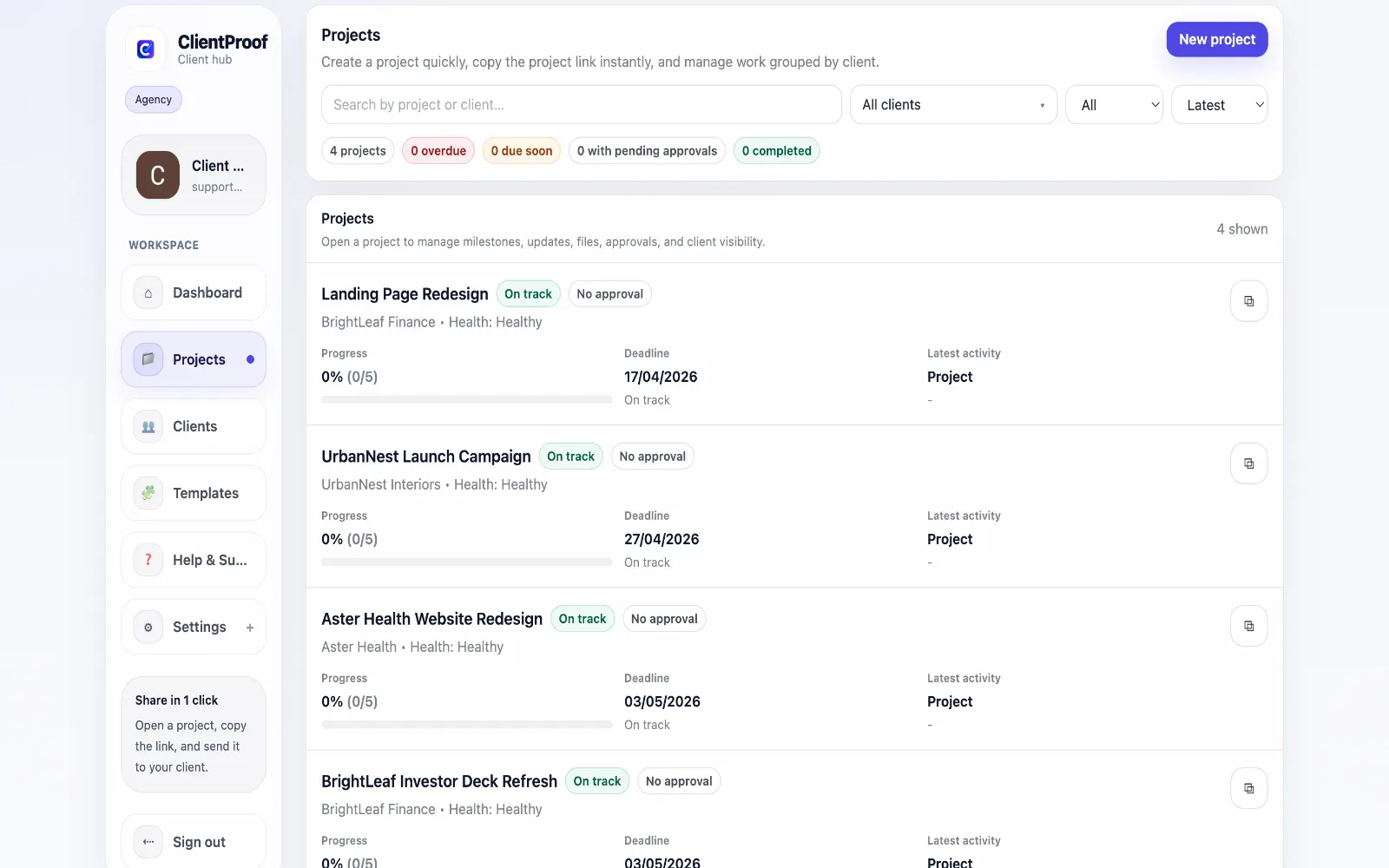
Professional file delivery is more than sending a file. Context matters: clients need to know what version they are looking at, what milestone the file belongs to, whether it is a draft or a final, and what action is expected from them. When files are delivered via email attachment or a bare Drive folder link, this context is missing. Clients open a file without knowing its status. They are unsure whether it is the latest version. They do not know if they need to approve it or just review it. The result is delayed responses, re-sent files, and unnecessary status calls. ClientProof attaches files directly to project milestones, so every file comes with automatic context: which phase it belongs to, when it was added, and whether an approval is associated with it. Clients navigate one organized project page rather than hunting through email attachments.
Teams usually adopt this workflow to reduce repeated recap messages, avoid tool-switching confusion, and give clients one clear destination for updates, files, and decisions.
Use this matrix to evaluate whether ClientProof fits your client-delivery workflow better than alternatives.
| Feature | ClientProof | Alternative |
|---|---|---|
| No-login client access | Yes | Varies by tool |
| Status + files in one client view | Built-in | Often split across tools |
| Client approval clarity | Structured | Commonly scattered |
| Setup speed for first project | Fast | Can require extra configuration |
| Best fit | Freelancers and agencies focused on delivery visibility | Other tools |
| Winner | Best for client-facing delivery clarity | Best for broader or internal workflows |
Define the workflow outcome and required client checkpoints.
Map updates, files, and approvals to each project phase.
Launch one client-facing page and route all status communication through it.
Measure fewer clarification messages and faster approvals after rollout.
Yes. Every project file in ClientProof is accessible through the project's shareable link. Clients click the link, see the project page, and download files directly — no account creation, no login, and no app installation required.
Any file type can be attached to a project milestone: PDFs, images, videos, design source files, ZIP archives, Word documents, spreadsheets, and more. There is no restriction on file type, and clients can download any attachment directly from the project page.
Yes. You can publish multiple updates to a milestone, each with its own file attachments. Clients can see the progression — initial draft, revised version, final approved file — all organized chronologically within the project page.
Significantly. When clients have a permanent project page where all files remain accessible, they stop asking for resends because they can find what they need themselves. Files do not expire or disappear like email attachments or WeTransfer links.
Start free forever and share one clean client link for updates, files, and approvals.