 ClientProof
Decision path
Choose ClientProof if...
- You want clients to see updates, files, and approvals in one link.
- You need faster signoffs with less recap messaging.
- You care about professional delivery visibility without login friction.
ClientProof gives teams a project status update page that clients can check anytime without waiting for a recap email or scheduling a call. Publish milestones, mark what is complete, flag what needs the client's attention, and let the page do the communication work instead of your inbox.
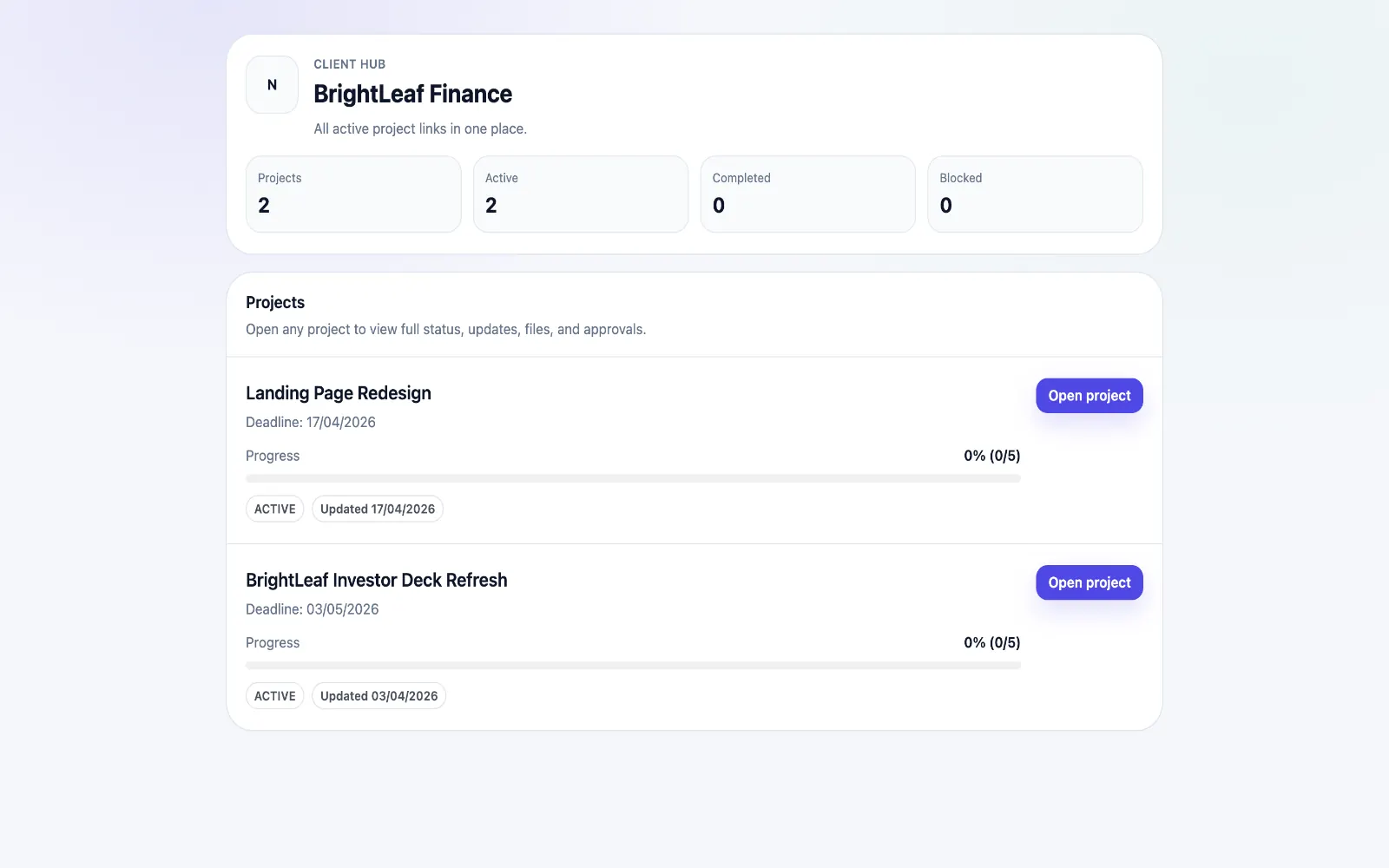
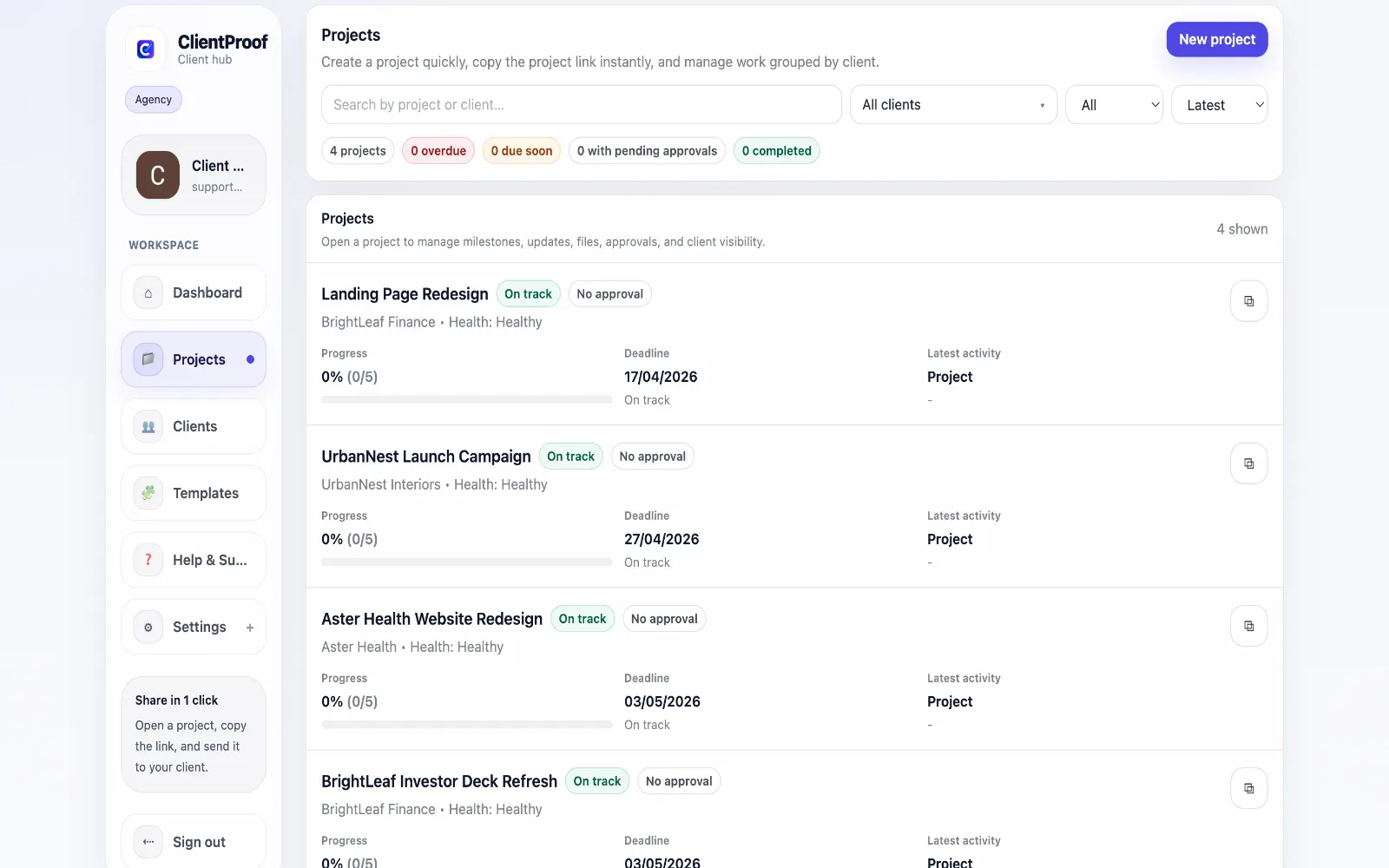
The weekly status email is one of the biggest time wasters in client service work. You write the same update in slightly different language every week, clients skim it or miss it entirely, and they still ask follow-up questions because they cannot reference what was discussed two weeks ago. A live project status page eliminates this cycle. Instead of sending an email that becomes irrelevant the moment the next one arrives, you maintain a single page that reflects the current project state at all times. Milestones are marked complete as they happen. Blockers are flagged when they occur. Approvals are requested in context rather than buried in an email thread. Clients check the page when they have a question rather than sending you a message. The nature of client communication shifts from reactive (responding to their questions) to proactive (they have the information they need before asking).
Teams usually adopt this workflow to reduce repeated recap messages, avoid tool-switching confusion, and give clients one clear destination for updates, files, and decisions.
Use this matrix to evaluate whether ClientProof fits your client-delivery workflow better than alternatives.
| Feature | ClientProof | Alternative |
|---|---|---|
| No-login client access | Yes | Varies by tool |
| Status + files in one client view | Built-in | Often split across tools |
| Client approval clarity | Structured | Commonly scattered |
| Setup speed for first project | Fast | Can require extra configuration |
| Best fit | Freelancers and agencies focused on delivery visibility | Other tools |
| Winner | Best for client-facing delivery clarity | Best for broader or internal workflows |
Define the workflow outcome and required client checkpoints.
Map updates, files, and approvals to each project phase.
Launch one client-facing page and route all status communication through it.
Measure fewer clarification messages and faster approvals after rollout.
For most teams it significantly reduces them. When clients have a live project page showing current status, milestones, and pending approvals, the volume of 'where are we?' messages drops considerably. Some teams eliminate status emails entirely and simply notify clients when a new milestone update is published.
Yes. Shared project pages work particularly well when multiple stakeholders need visibility — a project sponsor, a primary contact, and an approver can all access the same link. Everyone sees the same project state, which eliminates the version fragmentation that happens when status is communicated by email to different people.
Yes. Milestones are a core part of the project structure. You define the key phases of your project — discovery, design, development, review, launch — and mark them complete as work progresses.
Most teams update the project page at the end of each meaningful work session or when a milestone is reached — typically once or twice per week. There is no minimum frequency; the goal is that clients can trust the page reflects current reality rather than checking if it has been updated.
Start free forever and share one clean client link for updates, files, and approvals.