 ClientProof
Decision path
Choose ClientProof if...
- You want clients to see updates, files, and approvals in one link.
- You need faster signoffs with less recap messaging.
- You care about professional delivery visibility without login friction.
Choosing between ClientProof and Notion for client sharing comes down to one question: are you building an internal knowledge base, or are you delivering work to clients professionally? Notion is exceptional for the former. ClientProof is built specifically for the latter — with no-login client access, structured delivery milestones, and built-in approval workflows.
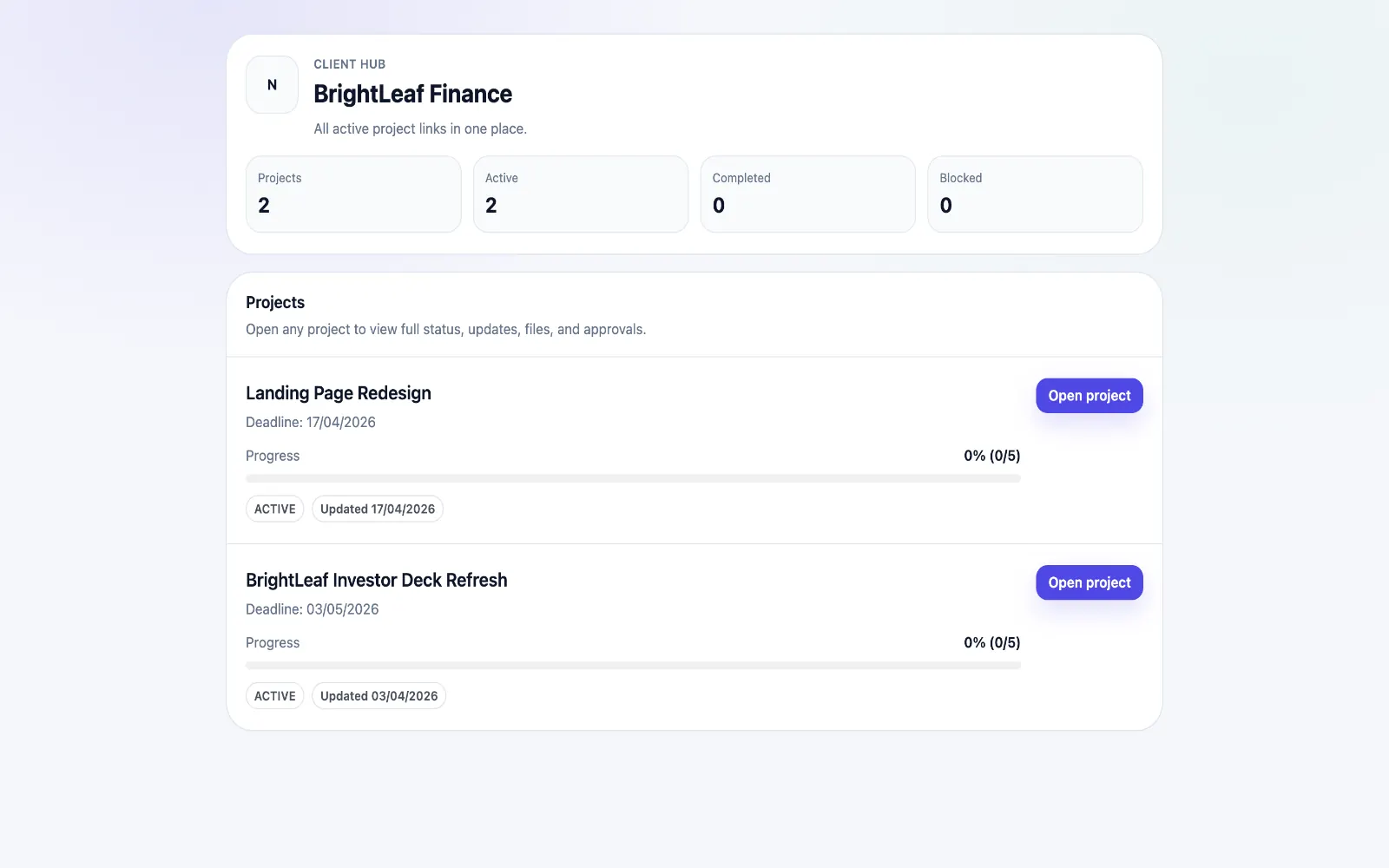
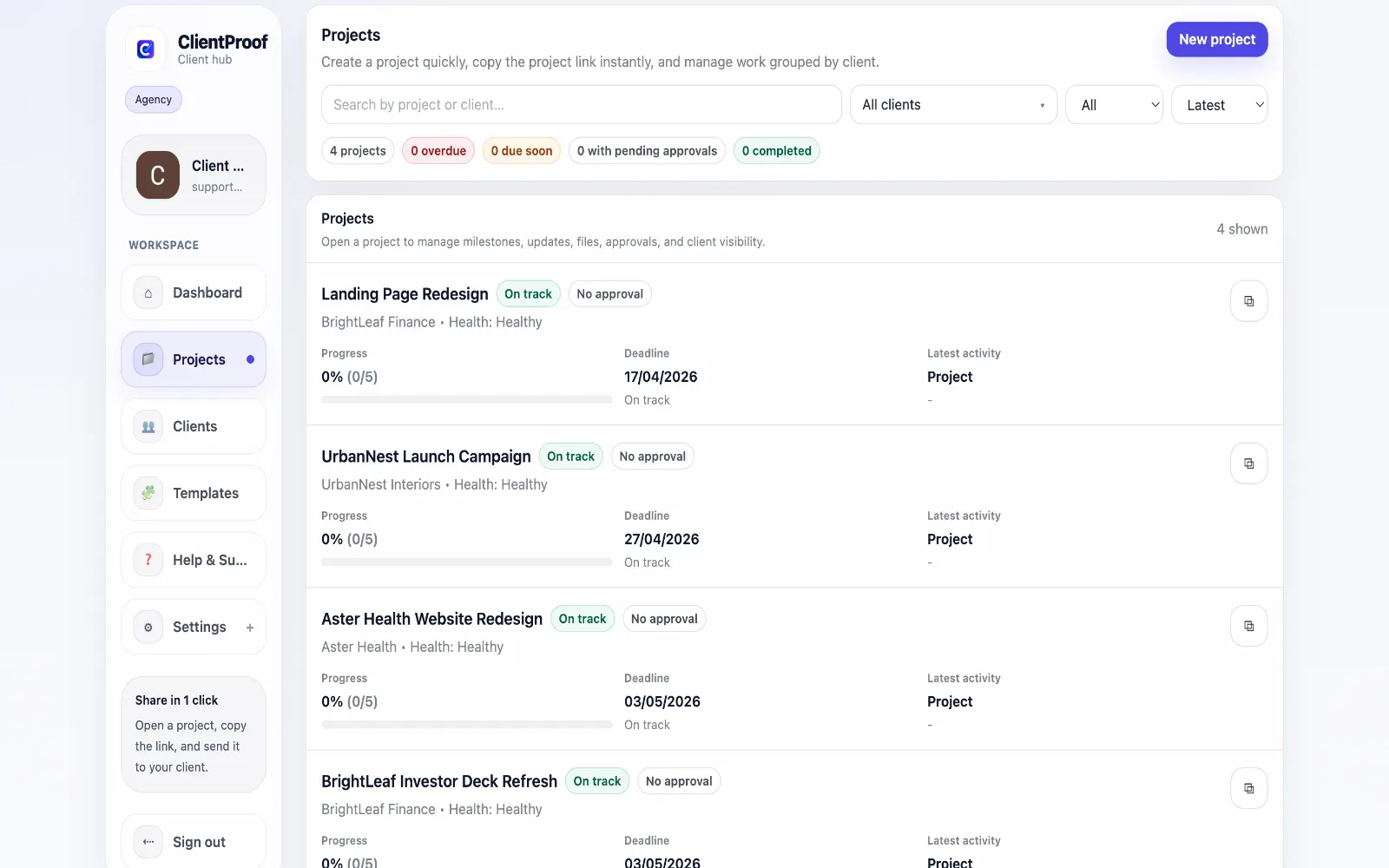
Notion is a powerful internal documentation and knowledge management tool. It is not designed to be a client portal. When freelancers and agencies use Notion for client communication, common problems emerge quickly: clients open the link and feel confused by the database structure, they cannot find the latest file version, they do not know whether anything needs their input, and they occasionally end up with edit access when they should only be viewing. ClientProof is designed for the opposite workflow. The structure is pre-built for delivery: milestones show project phases, updates communicate progress, files attach to the right stage, and approval requests are explicit and trackable. Clients do not need to understand a tool — they just open a link and see their project. The pricing comparison is also meaningful. Notion requires both you and your client to have accounts for any collaborative access. ClientProof charges you a flat $19/month and your clients access every project page without any account at all. For agencies with many clients, that is a significant cost and friction difference.
Teams usually adopt this workflow to reduce repeated recap messages, avoid tool-switching confusion, and give clients one clear destination for updates, files, and decisions.
Use this matrix to evaluate whether ClientProof fits your client-delivery workflow better than alternatives.
| Feature | ClientProof | Notion |
|---|---|---|
| No-login client access | Yes — always | Partial — guest access limited |
| Built for client delivery | Yes — purpose-built | No — documentation tool |
| Client approval workflow | Yes — structured | No — manual workaround |
| Approval receipt | Yes — automatic | No |
| File delivery with context | Yes | Limited |
| Client engagement tracking | Yes | No |
| Project report | Yes — one click | No |
| Setup for client sharing | Under 5 minutes | Requires configuration |
| Price | $19/month flat | Free–$15/user/month |
| Per-client fees | None | Per seat |
| Best for | Client delivery portal | Internal documentation |
List the client delivery problems you currently have (late approvals, status confusion, scattered files).
Test ClientProof on one active project during the free plan.
Compare how clients respond to the link vs your current workflow.
Migrate remaining projects if response time and approval speed improve.
Yes. ClientProof is designed specifically for client-facing delivery workflows — sharing project updates, files, and approval requests with clients who should not need a Notion account. Many teams continue using Notion internally and use ClientProof as the professional client-facing layer.
Notion remains the better choice for internal documentation, company wikis, team knowledge bases, and any content where your team is the primary audience. ClientProof is better when the audience is your client and the goal is professional project delivery.
ClientProof is purpose-built for no-login client viewing. While Notion has public page sharing, the experience is not designed for clients — it exposes the underlying database structure and does not provide project status, approval workflows, or delivery context in a client-appropriate format.
ClientProof is $19/month flat with no per-seat client fees. Notion charges per team member for collaborative features. If you need clients to interact with pages rather than just view them, Notion's cost scales with your client count.
Yes, and many teams do. Use Notion for internal notes, project planning, and team documentation. Use ClientProof for the client-facing delivery pages — status updates, file sharing, and approvals.
Start free forever and share one clean client link for updates, files, and approvals.