 ClientProof
Decision path
Choose ClientProof if...
- You want clients to see updates, files, and approvals in one link.
- You need faster signoffs with less recap messaging.
- You care about professional delivery visibility without login friction.
ClientProof and Client Portal IO both target freelancers and small agencies looking for a professional client-facing portal. The primary difference is in the client access model and delivery structure. Client Portal IO is a WordPress-based portal system. ClientProof is a standalone SaaS with a no-login-required delivery model that removes all account friction from the client side.
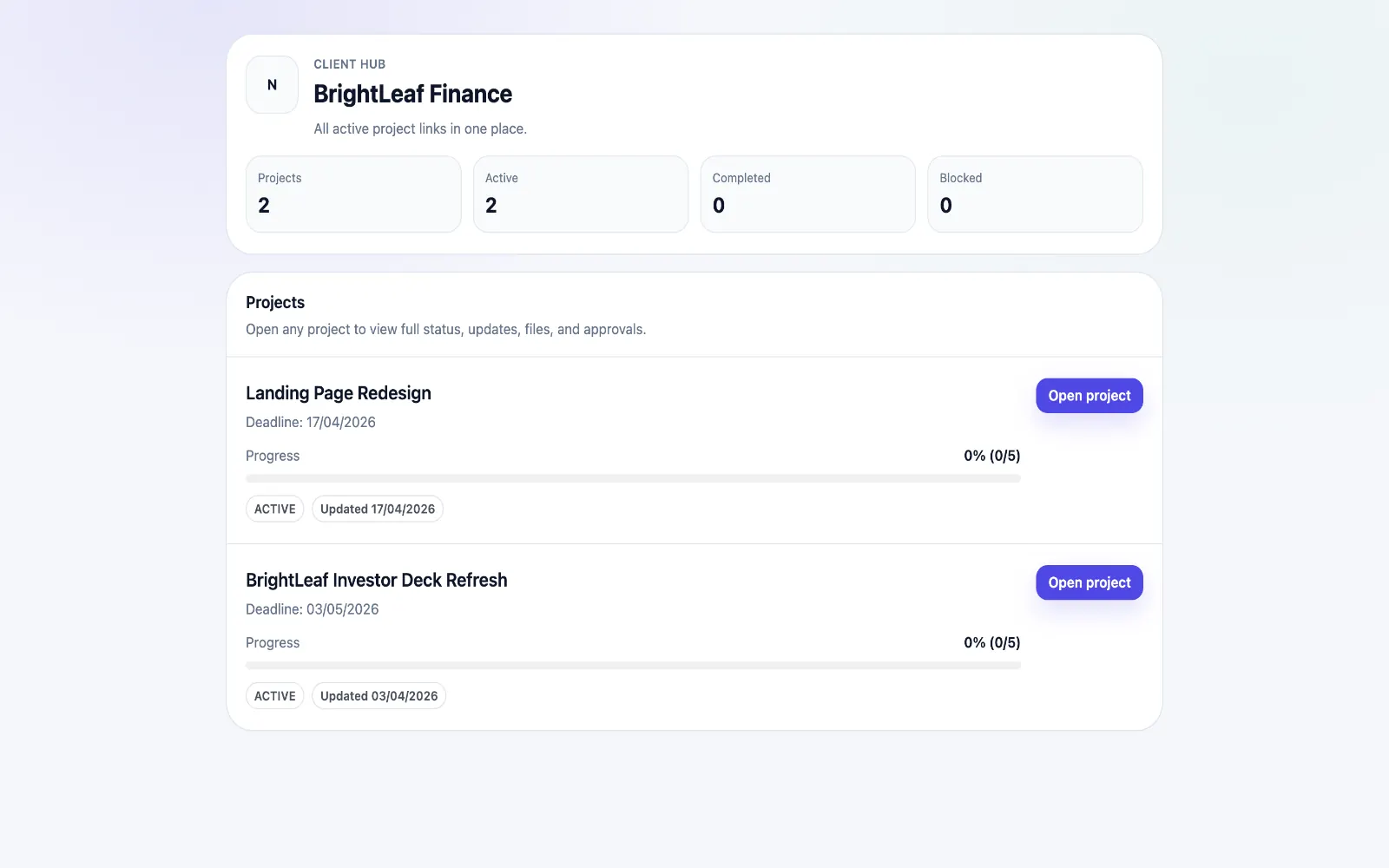
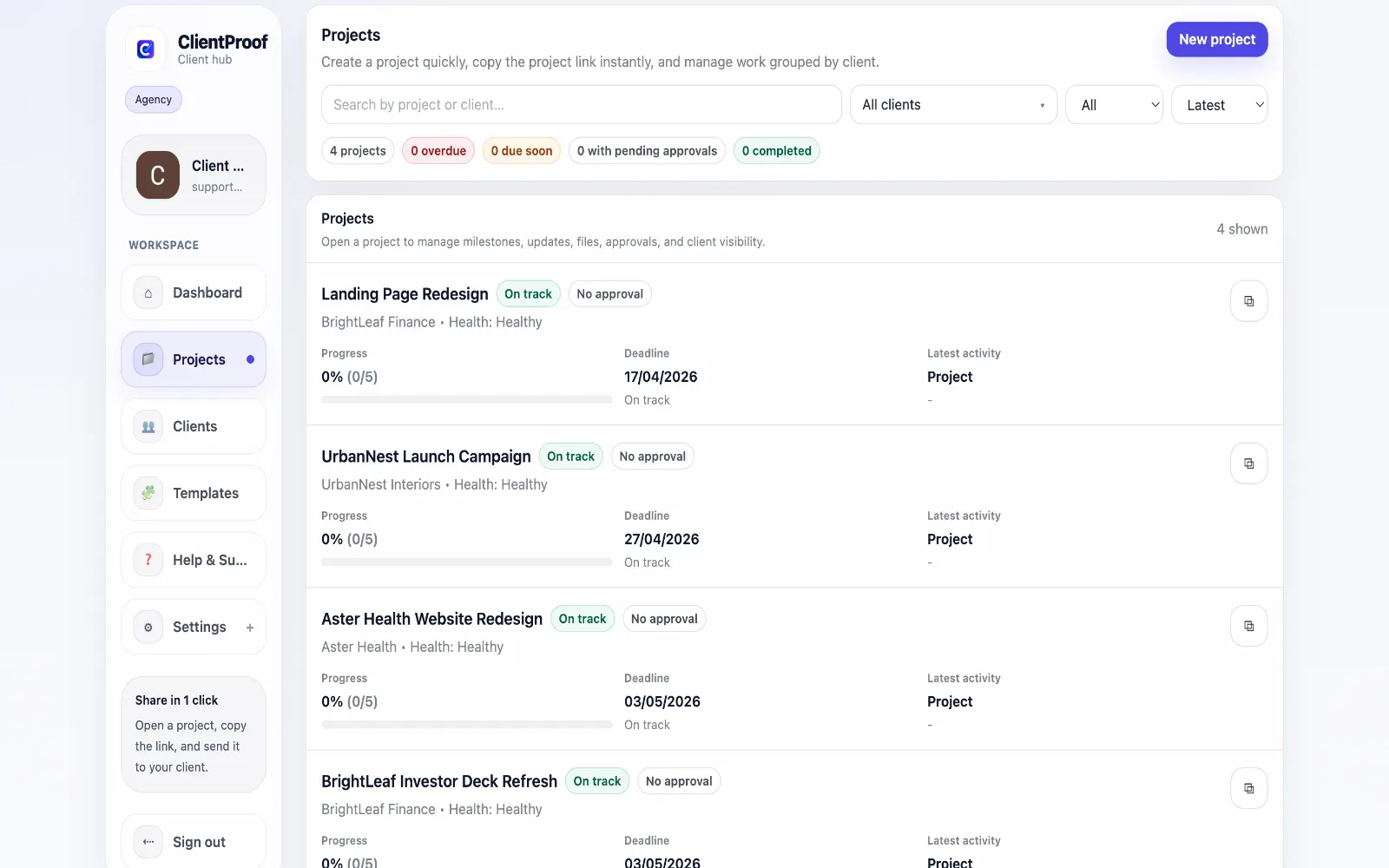
Client Portal IO is a well-known WordPress plugin that provides a client portal experience to users running WordPress websites. It is a strong choice for freelancers who already have a WordPress site and want to add client portal capabilities without a separate SaaS subscription. Clients log in through your WordPress site to access their project pages. ClientProof is a standalone SaaS that does not require WordPress. Setup involves creating an account, adding a project, and sharing a link — no hosting configuration, no plugin updates, no WordPress maintenance. The client experience is fundamentally different: clients never log in, they simply open the link you share. The right choice often depends on your existing infrastructure. If you run a WordPress business site and want portal features integrated into your existing platform, Client Portal IO makes sense. If you want a dedicated delivery tool that works independently of your website technology and gives clients the lowest possible friction experience, ClientProof is the better fit.
Teams usually adopt this workflow to reduce repeated recap messages, avoid tool-switching confusion, and give clients one clear destination for updates, files, and decisions.
Use this matrix to evaluate whether ClientProof fits your client-delivery workflow better than alternatives.
| Feature | ClientProof | Client Portal IO |
|---|---|---|
| Approval receipt with verification code | Yes - automatic | No |
| Client engagement tracking | Yes - built in | No |
| Printable project report | Yes - one click | No |
| Project templates (6 built-in) | Yes | Partial (varies) |
| No client login required | Yes | No (most require login) |
| Status + files in one client view | Built-in | Often split across tools |
| Client approval clarity | Structured | Commonly scattered |
| Setup speed for first project | Fast | Can require extra configuration |
| Best fit | Freelancers and agencies focused on delivery visibility | Client Portal IO |
| Winner | Best for client-facing delivery clarity | Best for broader or internal workflows |
List the client delivery problems you currently have (late approvals, status confusion, scattered files).
Test ClientProof on one active project during the free plan.
Compare how clients respond to the link vs your current workflow.
Migrate remaining projects if response time and approval speed improve.
Both focus on client-facing portal workflows, but the technical implementation differs significantly. Client Portal IO is a WordPress plugin. ClientProof is a standalone SaaS.
Start with the client experience model. Client Portal IO requires clients to log in through your WordPress site. ClientProof requires no login from clients at all.
ClientProof is the stronger option if no-login access is your priority. It is a core design feature, not an optional setting. Every project page generated by ClientProof is accessible via a shareable link with no authentication required on the client side.
Yes. ClientProof is completely independent of your website. You sign up, create a project, and share the link — nothing about your existing website infrastructure is relevant to ClientProof's operation.
Start free forever and share one clean client link for updates, files, and approvals.